Skip to Content

Welcome!

Share and discuss the best content and new marketing ideas, build your professional profile and become a better marketer together.

Sign up

This question has been flagged
1 Reply
68 Views

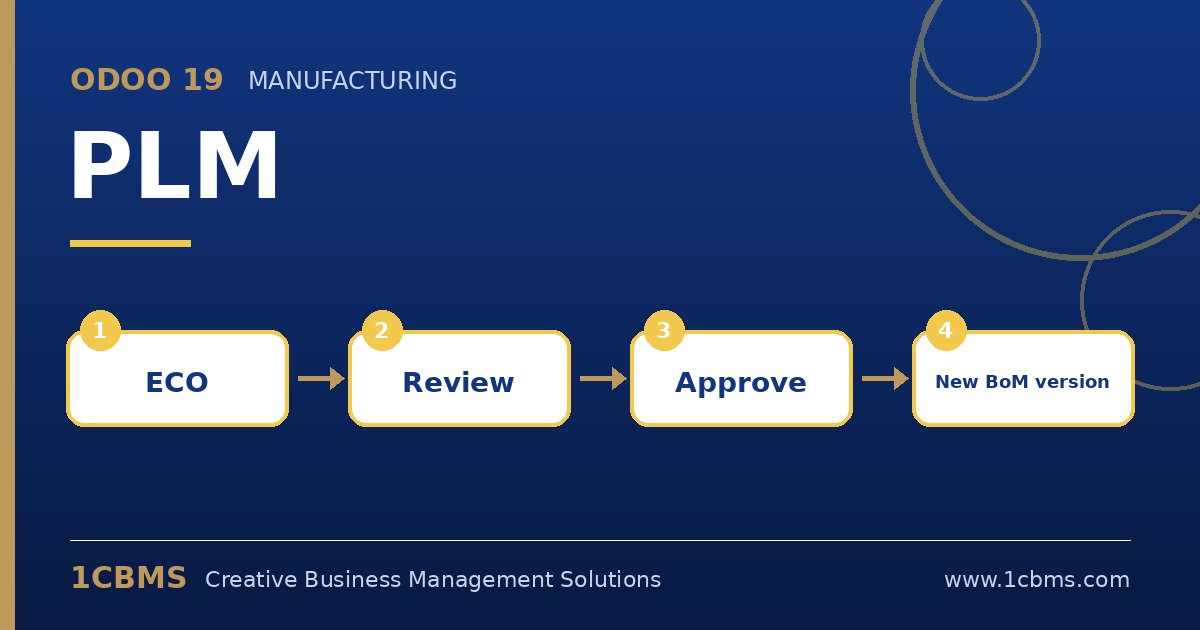
Odoo 19 PLM workflow: engineering change order, review, approval, new BoM version

We manufacture cosmetics in Amman and use Odoo 19 Enterprise. Our R&D team sometimes changes formulas directly in the bill of materials, and production uses the new formula before quality has checked it.

We installed PLM and want every formula change to be approved by the quality manager before the new BoM becomes active. How should we set up the ECO stages and approvals?

Avatar
Discard
Author Best Answer

This is exactly what PLM is designed for. The idea is to route every BoM change through an ECO and put the approval on the stage before the change can be applied.

  • In PLM, go to Configuration, ECO Types, and create a type such as Formula Change.
  • Configure its stages, for example New, Quality Review and Validated, and mark the final stage as the one that allows applying changes.
  • On the Quality Review stage, add the quality manager as a required approver, so the ECO cannot move on without that approval.
  • Restrict who can edit bills of materials directly through user access rights, so R&D changes go through ECOs only.
  • Create a test ECO on a BoM, edit the new revision, request approval, then apply it and check that a new BoM version is created.

The ECO chatter keeps a full record of who changed what and who approved it, which is useful for audits and product registration files.

Avatar
Discard
Related Posts Replies Views Activity
1
Oct 26
89
1
Oct 26
91
1
Oct 26
95
1
Oct 26
93
1
Oct 26
89