Skip to Content

Welcome!

Share and discuss the best content and new marketing ideas, build your professional profile and become a better marketer together.

Sign up

This question has been flagged
1 Reply
96 Views

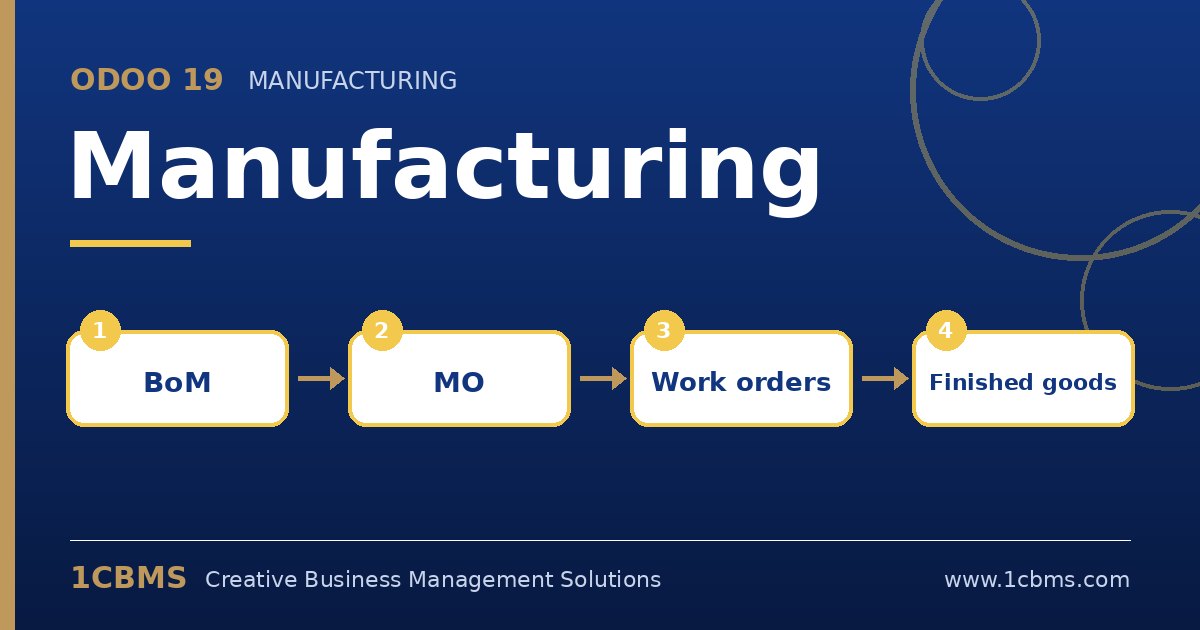
Odoo 19 Manufacturing workflow: BoM, manufacturing order, work orders, finished goods

We produce plastic packaging in 6th of October City. In Odoo 19 our manufacturing orders consume raw materials correctly, but the cost of the finished product only shows the material cost.

Our accountant wants machine time and operator labour included in the cost so the margin reports are realistic. Where do we configure this, and will it update the product cost automatically?

Avatar
Discard
Author Best Answer

Odoo 19 adds operation costs to the manufacturing order when the BoM has operations linked to work centers with a cost per hour. Without operations, only components are costed.

  • In Manufacturing, Configuration, Settings, enable Work Orders so operations and work centers become available.
  • Open each work center and enter its cost per hour, which represents machine and overhead cost, and optionally employee costs if you track operators.
  • Open the bill of materials, add operations on the Operations tab, choose the work center and set the expected duration.
  • Process a manufacturing order and record the real time on the work orders, then review the cost analysis from the order or the manufacturing reports.
  • If the product uses standard price, use the compute price from BoM action on the product to update its standard cost including operations.

With average or FIFO costing, the cost of each finished batch will include both materials and operations from the moment the order is done.

Avatar
Discard
Related Posts Replies Views Activity
1
Oct 26
92
1
Oct 26
93
1
Oct 26
98
1
Oct 26
74
1
Oct 26
93