
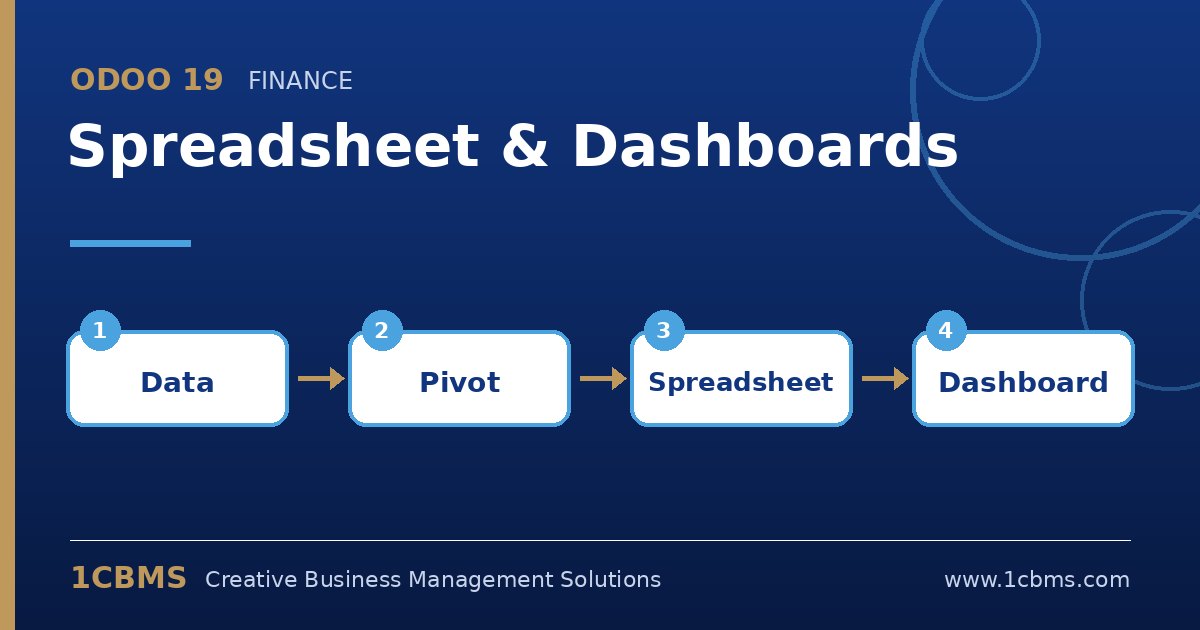
Many managers still export Odoo data to Excel every week just to build the same report again. Odoo 19 Spreadsheet (Enterprise) and the Dashboards app remove that step by letting you work in a familiar spreadsheet that stays connected to live data.
Most asked topics
- Inserting live data: users ask how to bring a pivot, list or graph into a spreadsheet, which is done from the view itself with the insert in spreadsheet option.
- Refreshing figures: teams want to know whether numbers update, and inserted data is recalculated from the database when the spreadsheet is opened.
- Custom dashboards: managers ask how to publish their own dashboard next to the standard ones, which spreadsheets can be added to the Dashboards app.
- Odoo formulas: analysts ask whether they can pull balances directly, and dedicated functions can read values such as account balances into cells.
- Sharing and access: users ask who can see a dashboard, which is controlled by dashboard groups and the underlying record access rights.
Practical setup tips
- Start from a filtered and grouped pivot view so the inserted data already has the right structure.
- Keep one spreadsheet per audience, such as sales management or finance, rather than one giant file.
- Remember that a dashboard never bypasses security, so test it with a user who has the intended access rights.
Good dashboards come from a clear list of decisions people need to make. If you would like help configuring Odoo 19 Spreadsheet and Dashboards or training your team on it, 1CBMS can set it up around your real processes as part of an Odoo 19 implementation in Egypt, Iraq or the wider region.