
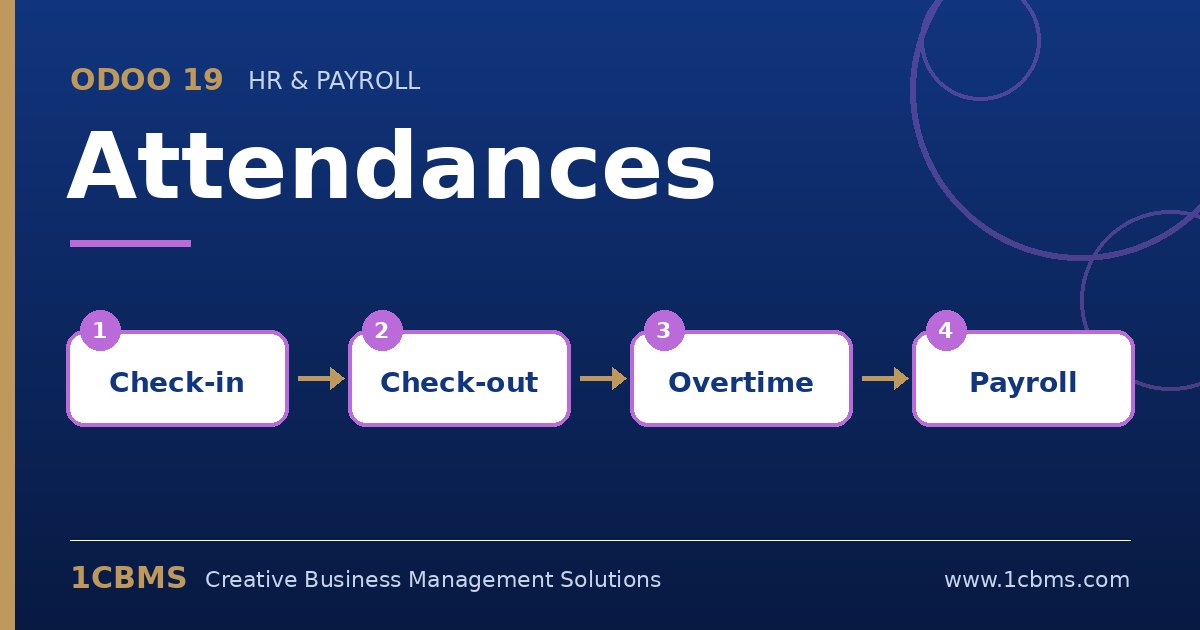
Odoo 19 Attendances records when employees start and finish work and compares it with their working schedule. Employees can check in from the systray, the mobile browser or a shared kiosk, and managers get a clear view of presence and extra hours. These are the questions we receive most often.
The most asked Attendances topics
- Kiosk mode: a shared tablet at the entrance lets employees check in by scanning a badge or selecting their name with a PIN.
- Mobile check-in and location: when employees check in from a device, Odoo can record the location and IP address for each attendance.
- Extra hours: Odoo compares attendances with the working schedule and calculates extra hours, with tolerance settings.
- Approval: managers can review attendances and approve or refuse extra hours before they are used.
- Payroll and time off: with Enterprise Payroll, attendance can drive work entries, and extra hours can be used for compensation.
Practical setup tips
- Make sure every employee has the right working schedule and time zone before going live.
- Print employee badges from the employee form if you use kiosk scanning, and require a PIN where buddy punching is a concern.
- Agree on a tolerance for late arrivals and early departures so small differences do not create noise.
Clean attendance data is the base for fair overtime and payroll. If you want this configured around your real processes, the 1CBMS team in Egypt and Iraq can set up Attendances, kiosks and extra hours for your company and train your users so the app is used correctly from day one.