
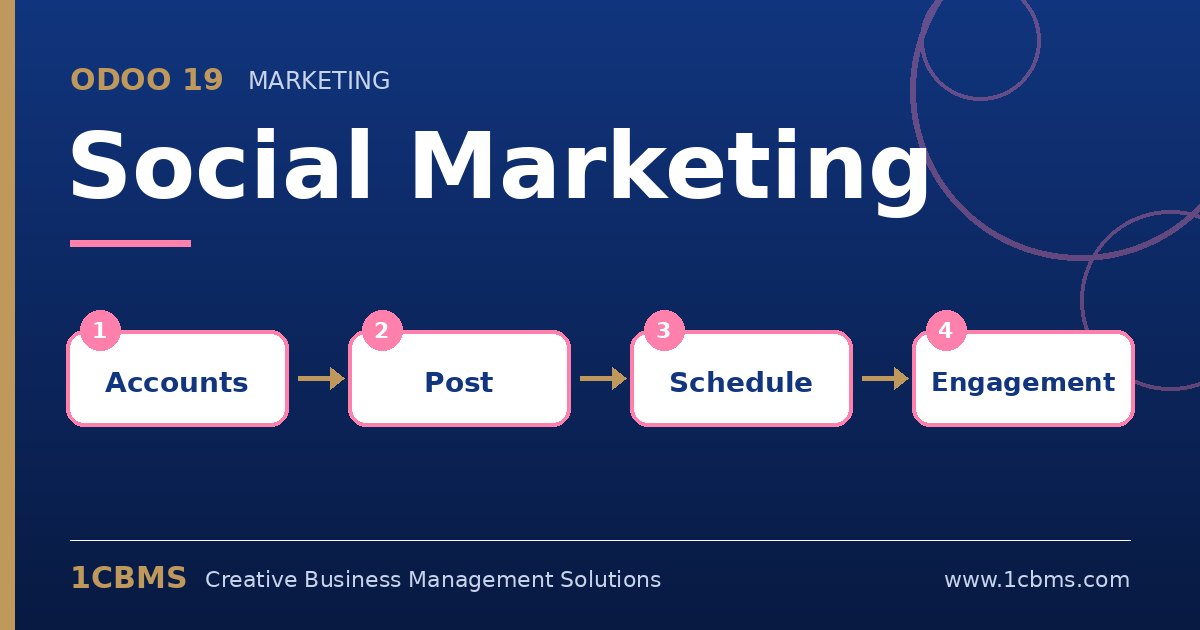
Most companies manage their social media from several separate tools and logins, which makes planning and reporting difficult. The Odoo 19 Social Marketing app, part of Odoo Enterprise, lets you connect your company pages, publish and schedule posts, follow comments in one feed and link social activity to your other marketing.
The most asked questions about Odoo 19 Social Marketing
- Supported networks: you can connect accounts such as Facebook pages, Instagram business accounts, LinkedIn pages, X and YouTube channels.
- Scheduling: one post can be written once, adapted per network and scheduled for a future date and time.
- Feed and comments: the social feed shows posts from connected accounts, and you can like and reply to comments from Odoo.
- Analytics: each account shows audience and engagement information, and links can be tracked with UTM data.
- Push notifications: you can send web push notifications to visitors of your Odoo website who have accepted them.
Practical setup tips
- Connect accounts with a user who has full admin rights on each page, otherwise the connection may fail or lose permissions later.
- For Instagram, use a professional account linked to a Facebook page, as required by Meta.
- Agree on a weekly posting calendar and use scheduled posts so the team can review content in advance.
- Reconnect accounts promptly if a network revokes access after a password or permission change.
Social media works best when it is planned like any other campaign. 1CBMS can connect your channels to Odoo 19 Social Marketing and train your team on a practical publishing workflow.