
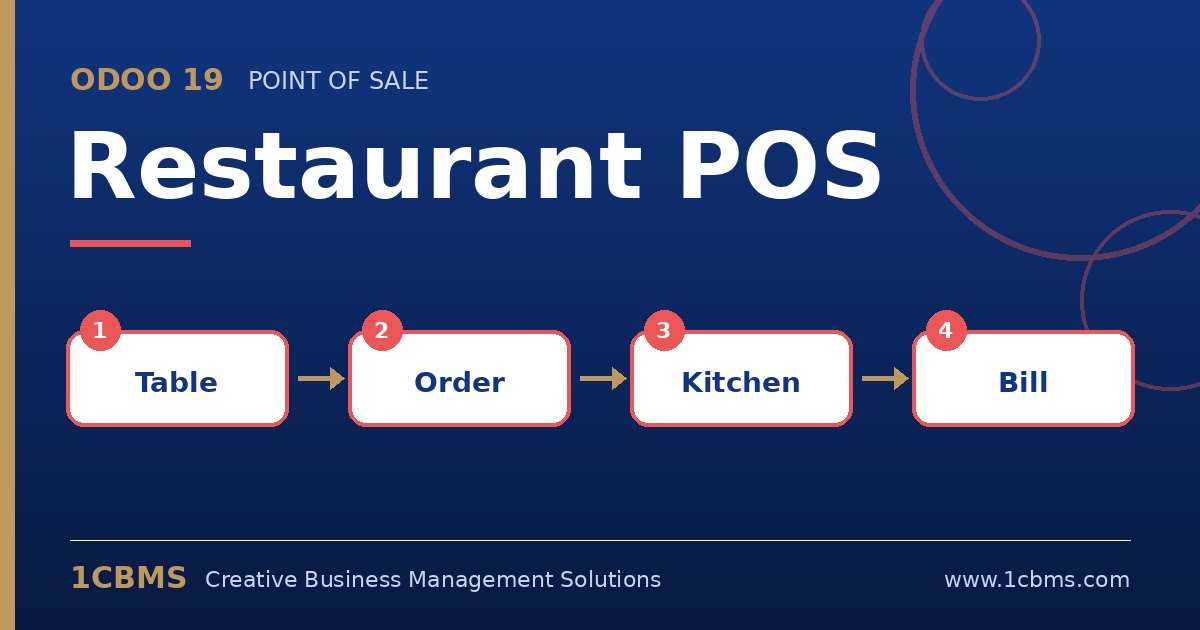
Restaurants need more from a till than a shop does. Odoo 19 Point of Sale includes restaurant features such as tables, courses and kitchen communication, and owners and managers tend to ask the same questions when they move from a basic cash register.
Most asked topics
- Floor plans: managers ask how to draw their dining room, which is done by creating floors and tables directly from the POS interface.
- Kitchen communication: owners want orders sent to the kitchen automatically, either to kitchen printers or to the kitchen display screen (Enterprise).
- Split and transfer bills: waiters ask how to split a table bill between guests or move an order to another table, both available on the order screen.
- Tips: restaurants want to record service tips, which can be enabled in the POS settings and added at payment.
- Courses and notes: chefs ask for starters before mains and special requests, which waiters handle with course and note options on order lines.
Practical setup tips
- Group products by preparation station, such as grill, cold kitchen and bar, before configuring printers or screens.
- Keep the product buttons and categories short so waiters can find items quickly during peak hours.
- Run a full service rehearsal with staff before opening day, including splitting a bill and cancelling an item.
The best restaurant setups are the ones staff can use without thinking during a busy service. If you would like help configuring Odoo 19 Restaurant POS or training your team on it, 1CBMS can set it up around your real processes as part of an Odoo 19 implementation in Egypt, Iraq or the wider region.