
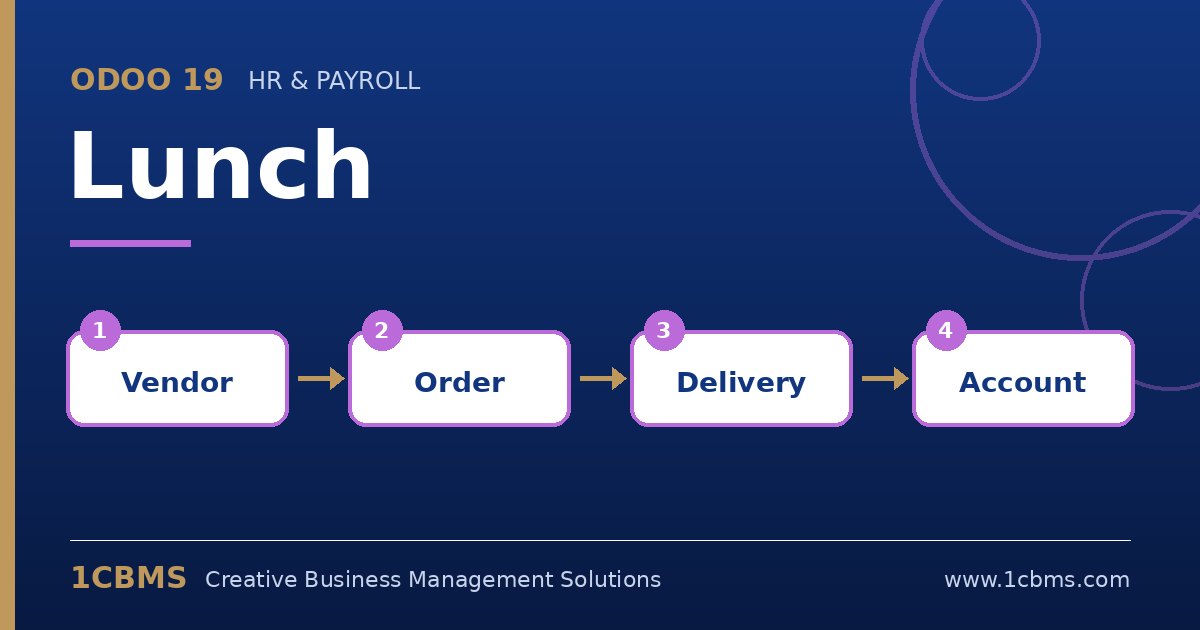
Collecting lunch orders on a group chat every morning wastes time and leads to mistakes about who ordered what and who has paid. The Odoo 19 Lunch app turns this into a short daily routine: employees pick from the menus of your vendors, the office manager sends one order, and everyone's balance is tracked automatically.
The most asked questions about Odoo 19 Lunch
- Vendors and menus: each restaurant is a vendor with its own products, categories, prices and optional extras.
- Ordering windows: vendors have opening days and an order deadline, so employees can only order while the vendor accepts orders.
- Sending orders: the vendor can receive the consolidated order by email automatically at a set time, or the manager can confirm it manually.
- Employee balances: each order is deducted from the employee's lunch balance, and cash moves record top-ups or company contributions.
- Alerts: messages can be shown in the app or sent to employees to remind them to order or to announce a special menu.
Practical setup tips
- Set the order deadline earlier than the vendor's real cut-off to leave time for the office manager to check the order.
- Decide whether the company pays part of the meal and record that policy consistently through cash moves.
- Define an overdraft limit in the Lunch settings so balances cannot grow negative without control.
- Keep product photos and descriptions clear; it reduces questions and wrong orders.
Small apps like Lunch are a quick win for employee experience. 1CBMS can set up Odoo 19 Lunch with your vendors and policies as part of a wider HR rollout.