
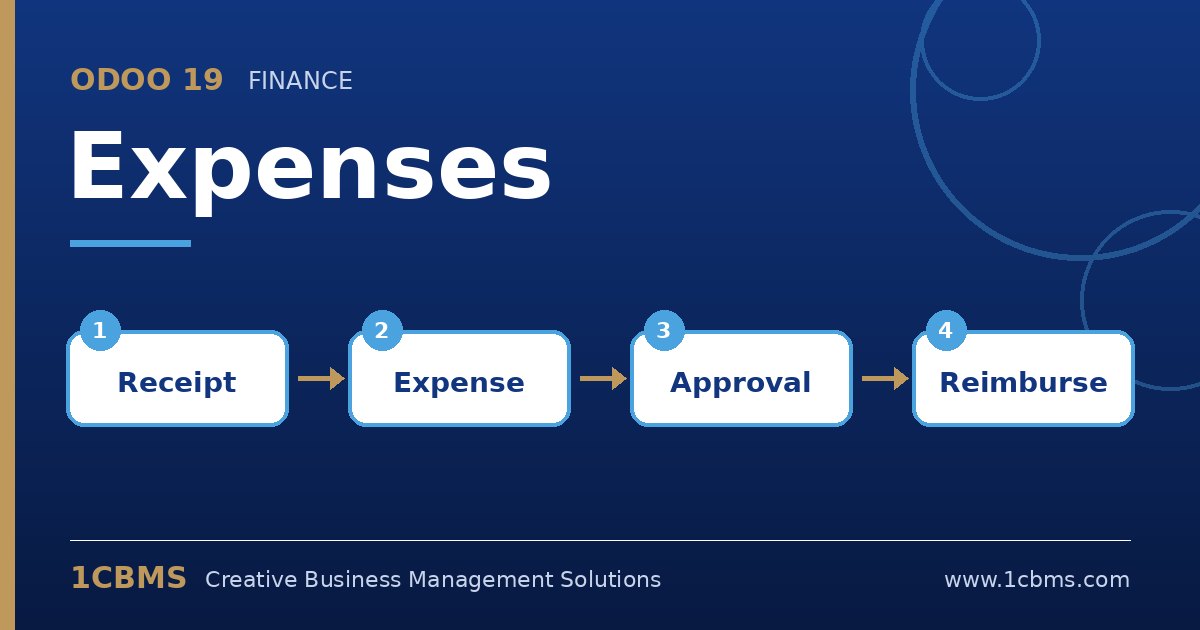
Odoo 19 Expenses replaces the shoebox of receipts and the monthly reimbursement spreadsheet with a simple flow: employees record what they spent, managers approve and finance posts and pays. Even so, a few questions come up in almost every company that rolls it out.
Most asked topics
- Receipt capture: employees ask whether they can snap a photo on their phone, and the mobile app plus document digitization (Enterprise) can read amounts and dates.
- Who paid: users need to know the difference between expenses paid by the employee, which are reimbursed, and those paid by the company, which are not.
- Approvals: managers ask who approves what, which depends on the expense manager set on the employee record and the access rights given to approvers.
- Expense categories: finance teams want each type of spend posted to the right account, which is driven by expense category products.
- Re-invoicing: project and service companies ask how to bill travel costs back to clients, which works when the category is set to re-invoice through a sales order.
Practical setup tips
- Create a short, clear list of expense categories with the correct expense accounts and taxes before inviting staff.
- Set an expense manager on every employee so approval requests reach the right person automatically.
- Allow employees to submit expenses by email to a dedicated alias, which is convenient for people who travel often.
A well configured Expenses app means faster reimbursements and cleaner books. If you would like help configuring Odoo 19 Expenses or training your team on it, 1CBMS can set it up around your real processes as part of an Odoo 19 implementation in Egypt, Iraq or the wider region.