
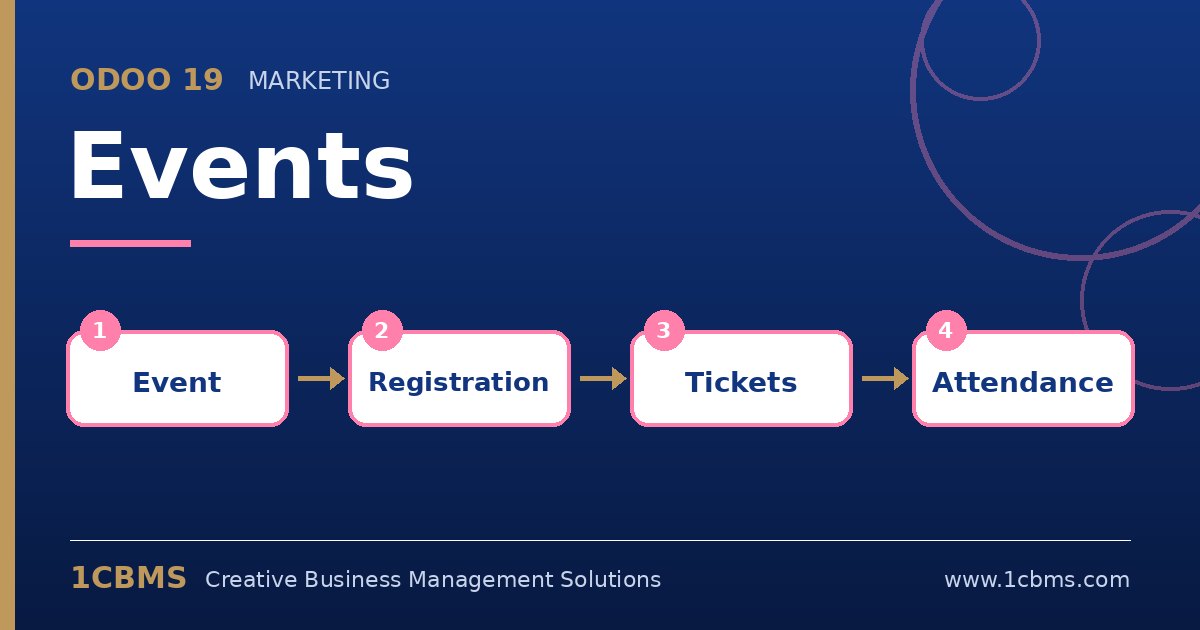
Whether you run training sessions, product launches or exhibitions, events involve many moving parts. The Odoo 19 Events app connects registrations, ticket sales, attendee communication and on-site check-in, and it works with the Website, Sales and Point of Sale apps when you need them.
The most asked questions about Odoo 19 Events
- Tickets: you can define several ticket types per event, free or paid, each with its own price, seats and sales period.
- Online registration: with the Website app, each event gets a page where visitors register and pay through the website checkout.
- Registration questions: you can ask attendees extra questions, such as company name or dietary needs, during registration.
- Communications: scheduled emails or SMS confirm registration, remind attendees before the event and follow up afterwards.
- Check-in: attendees receive a badge or ticket with a barcode that staff can scan at the entrance to mark attendance.
Practical setup tips
- Create event templates for recurring formats so tickets, communications and questions are copied automatically.
- Set a maximum number of seats per ticket to avoid overbooking.
- Test the full journey yourself, from registration to confirmation email to badge scan, before publishing the event.
- After the event, use the registration analysis to compare attendance with registrations.
Well organised events depend on a smooth registration experience. 1CBMS can configure Odoo 19 Events with your website and payment methods and train your team for event day.