Skip to Content

Welcome!

Share and discuss the best content and new marketing ideas, build your professional profile and become a better marketer together.

Sign up

This question has been flagged
1 Reply
16 Views

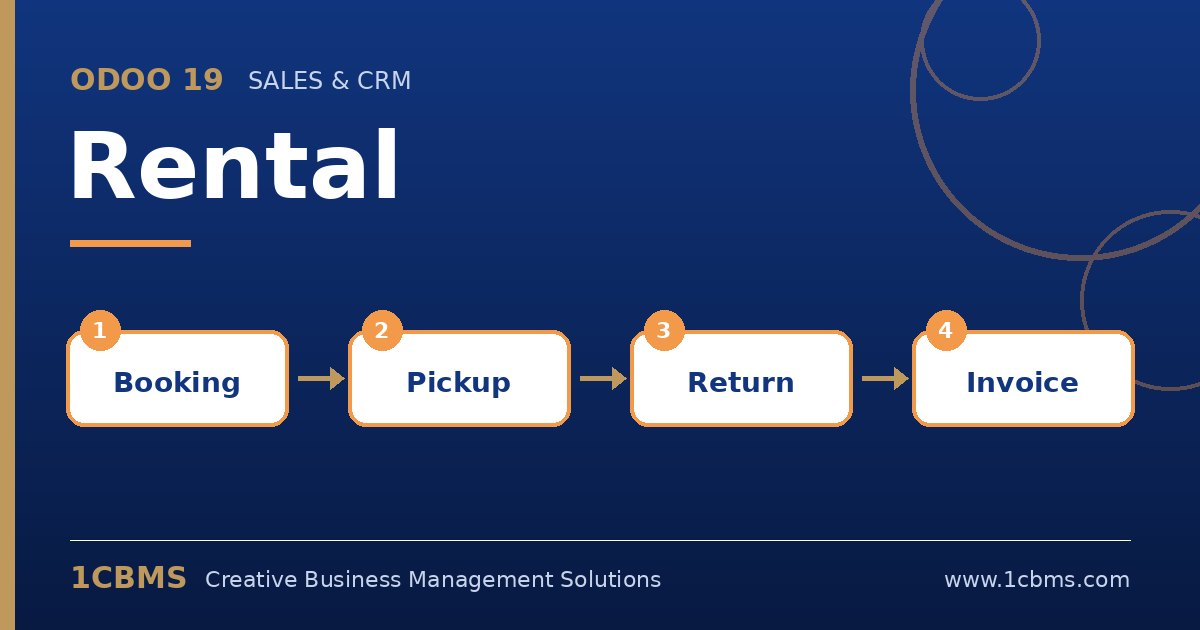
Odoo 19 Rental schedule: booking, pickup, return and availability by serial number

We rent generators and lighting towers to construction sites around Baghdad. Twice last month we promised the same generator to two customers for overlapping dates, and we only noticed on delivery day.

We use Odoo 19 Enterprise with the Rental app. How do we check real availability before confirming, and make sure each generator is tracked individually?

Avatar
Discard
Author Best Answer

Odoo 19 Rental can show availability per unit when the product is tracked by serial number, and the schedule view makes overlaps visible before you confirm.

  • In Inventory settings, enable Lots and Serial Numbers, then set each generator product to be tracked by unique serial number.
  • Make sure each generator product is marked as can be rented and has its rental prices defined.
  • Open Rental > Schedule to see bookings on a timeline grouped by product, and check the free slots for the requested dates.
  • On the rental order, assign the specific serial numbers at pickup so the unit is reserved and traceable.
  • Configure a padding time in the Rental settings if units need checking or refuelling between rentals.

With serial numbers and the schedule in daily use, conflicts appear on screen days before they reach a construction site.

Avatar
Discard
Related Posts Replies Views Activity
1
Oct 26
13
1
Oct 26
14
1
Oct 26
15
1
Oct 26
19
1
Oct 26
30