Skip to Content

Welcome!

Share and discuss the best content and new marketing ideas, build your professional profile and become a better marketer together.

Sign up

This question has been flagged
1 Reply
33 Views

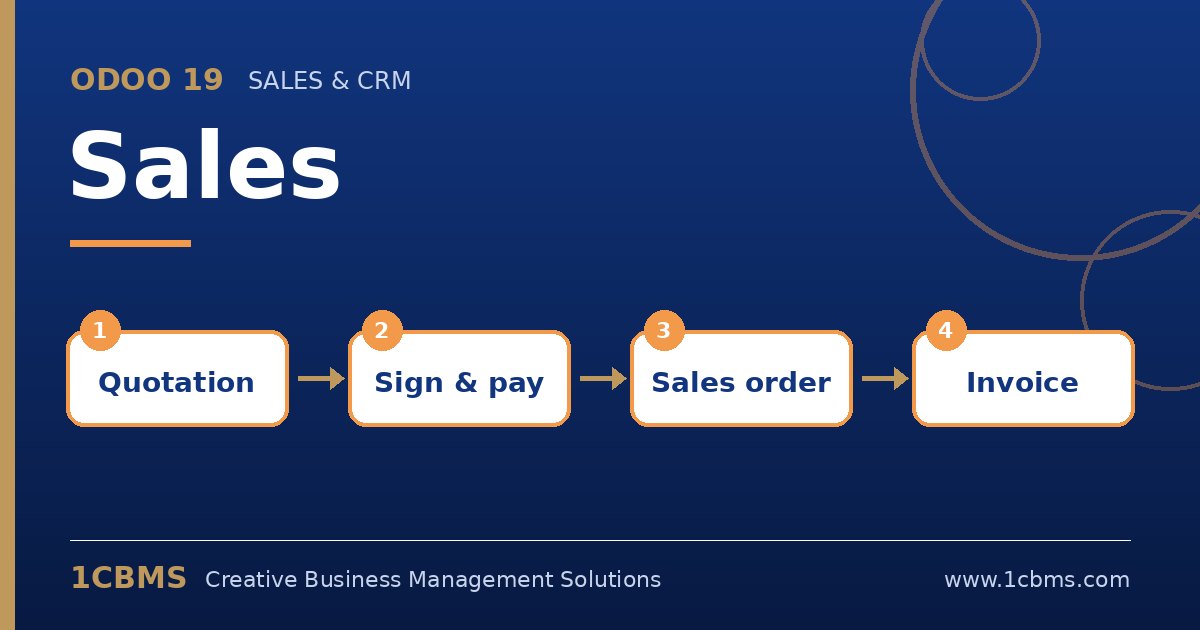
Odoo 19 Sales flow: quotation, online signature, sales order, invoice

We distribute cleaning products in Basra. Supermarkets and small shops buy the same items, but supermarkets get lower prices and an extra discount above a certain quantity. Today our salespeople change prices by hand on each quotation and mistakes are common.

How can Odoo 19 apply the right price automatically depending on which customer we are quoting?

Avatar
Discard
Author Best Answer

This is the job of pricelists. Once a pricelist is set on the customer, every new quotation for that customer uses its prices automatically.

  • Enable Pricelists in Sales > Configuration > Settings.
  • Go to Sales > Products > Pricelists and create a Wholesale pricelist and a Retail pricelist.
  • Add rules to the Wholesale pricelist, such as a fixed price or a percentage discount per product or category, with a minimum quantity for the extra discount tier.
  • On each supermarket contact, open the Sales and Purchase tab and set the Wholesale pricelist.
  • Create a test quotation for a supermarket and for a shop and compare the unit prices.

If salespeople still need to override prices, review access rights so only managers can edit them, and use the margin report to watch the result.

Avatar
Discard
Related Posts Replies Views Activity
1
Oct 26
33
1
Oct 26
28
1
Oct 26
33
1
Oct 26
52
1
Oct 26
51