
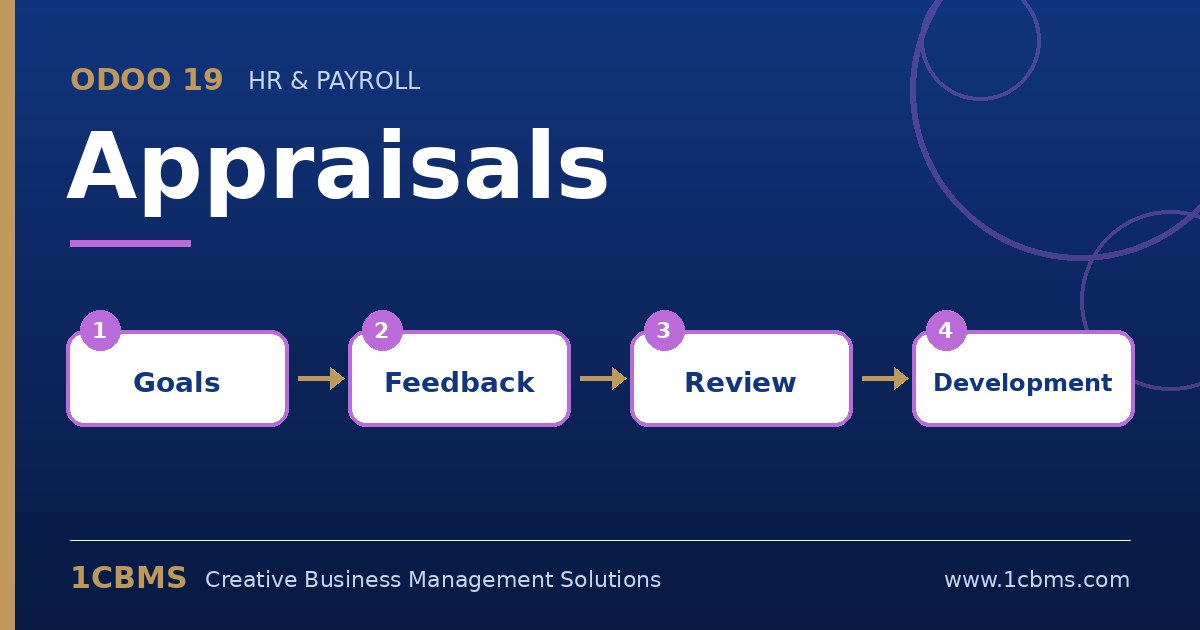
Performance reviews often live in scattered Word files and email threads, which makes them late, inconsistent and hard to compare from year to year. The Odoo 19 Appraisals app, part of Odoo Enterprise, brings the whole review cycle into one place that is connected to the Employees app, so managers, employees and HR all work from the same record.
The most asked questions about Odoo 19 Appraisals
- Automatic appraisal plans: HR can configure Odoo to create appraisals a set number of months after hiring and then repeat them at a regular interval.
- Feedback templates: separate employee and manager templates guide both sides through the same questions, and they can be adjusted per department.
- Goals: managers set goals for each employee with a deadline and a progress level, and review them during the next appraisal.
- 360 feedback: when the Surveys integration is enabled, the manager can request feedback from colleagues and see the answers alongside the appraisal.
- Skills evolution: skills recorded on the employee form can be reviewed and updated during the appraisal, giving HR a history of how competencies change over time.
Practical setup tips
- Agree on the review frequency with management before enabling automatic appraisals, otherwise Odoo will generate reviews nobody is ready to complete.
- Keep the feedback templates short and specific; a few focused questions produce better answers than a long generic form.
- Make sure every employee has a manager set on the employee form, because appraisals and notifications follow that relationship.
- Use the appraisal analysis report to spot overdue reviews and departments that are falling behind the schedule.
Appraisals work best when the process is designed first and the software second. 1CBMS can help you design the review cycle, configure Odoo 19 Appraisals and train managers to run consistent, useful reviews.