
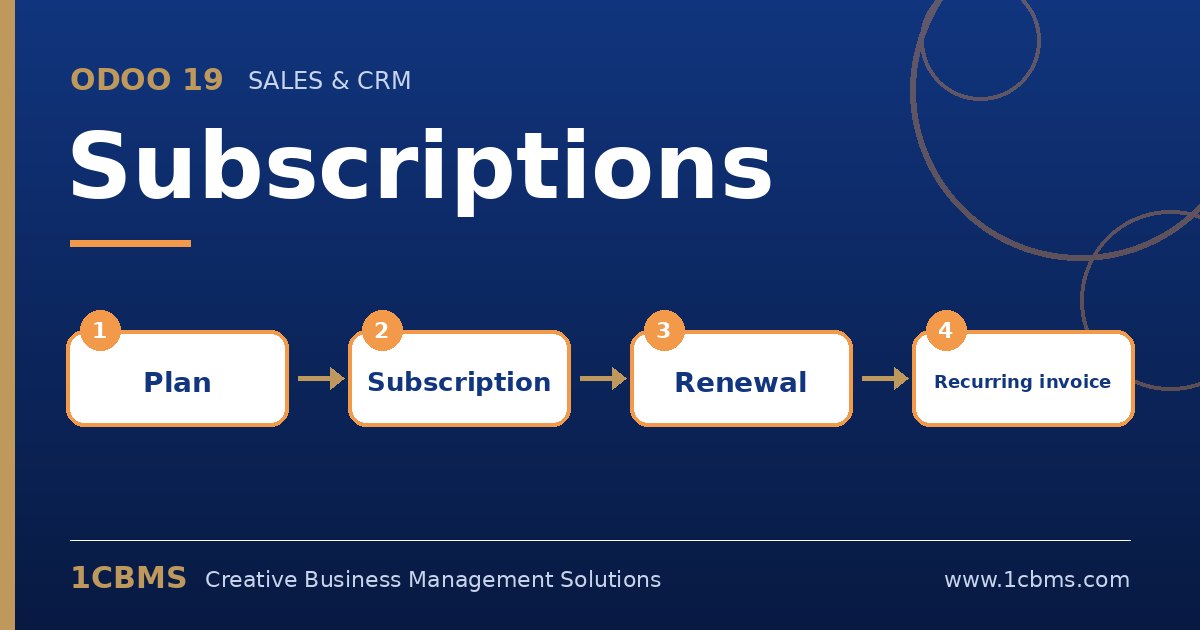
Recurring revenue is attractive, but managing it by hand quickly becomes messy. Odoo 19 Subscriptions (Enterprise) builds on sales orders to handle recurring invoicing, renewals and reporting, and the same set of questions comes up for software, maintenance and membership businesses.
Most asked topics
- Recurring plans: users ask how to sell monthly, quarterly or yearly, which is defined with recurring plans and recurring prices on products.
- Automatic invoicing and payment: teams want invoices generated on schedule and cards charged automatically, which works with a payment provider that supports saved tokens.
- Upsells: account managers ask how to add users or services mid-period, which the upsell action handles with a prorated quotation.
- Renewals and closing: users want to know how a subscription ends, either by setting an end date, closing it with a reason or creating a renewal.
- Reporting: management asks for monthly recurring revenue and churn, which the subscription analysis and retention reports provide.
Practical setup tips
- Keep recurring and one-time products clearly separated so setup fees are not repeated every period.
- Define close reasons early to make churn analysis meaningful.
- Test the full cycle with one internal subscription, including a failed payment, before migrating customers.
Subscriptions touch sales, accounting and customer experience at the same time. If you would like help configuring Odoo 19 Subscriptions or training your team on it, 1CBMS can set it up around your real processes as part of an Odoo 19 implementation in Egypt, Iraq or the wider region.