
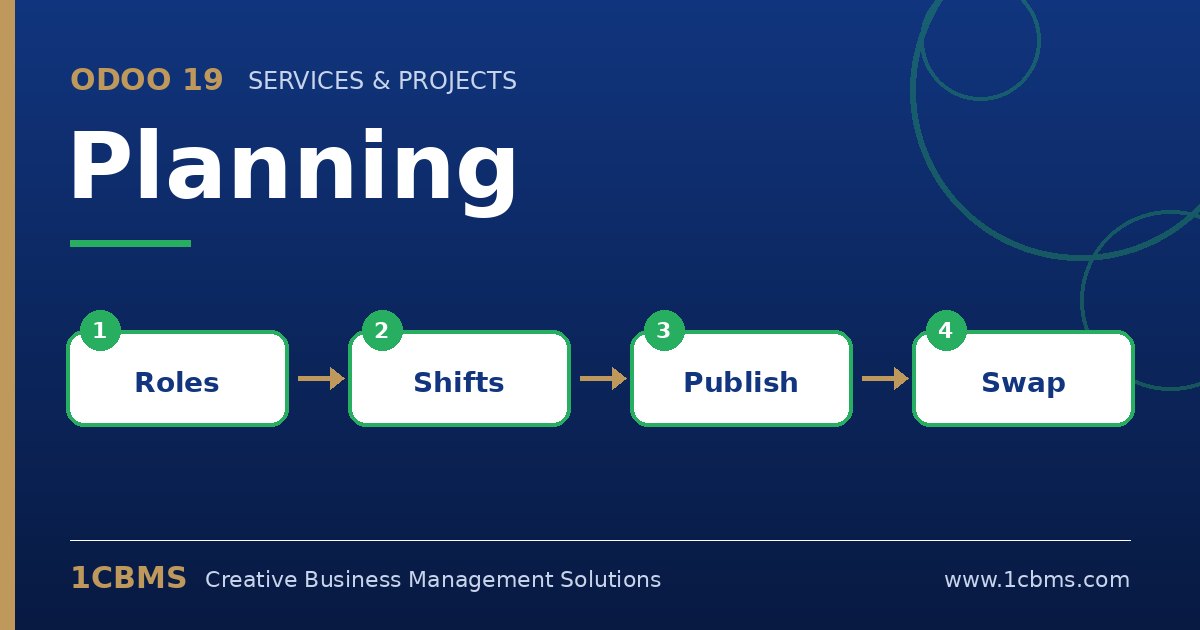
Odoo 19 Planning (Enterprise) gives operations managers a visual Gantt schedule for people and resources. Whether you run a retail chain, a restaurant group or a field team, the same questions come up during every rollout, so here are the answers.
The most asked Planning topics
- Shift templates: save recurring patterns such as a morning or evening shift so a manager can drop them onto the schedule in seconds.
- Roles: assign roles like cashier or technician to employees so shifts are only offered to people qualified to cover them.
- Open shifts: publish shifts with no assignee and let eligible employees claim them from their portal or the mobile view.
- Publishing and notifications: shifts stay in draft until you publish, then employees receive their schedule by email and can view it online.
- Auto plan and conflicts: Odoo can fill open shifts based on availability and roles, and it highlights overlaps, time off and over-allocation.
Practical setup tips
- Set each employee's working schedule and default roles first, because Planning uses them to calculate availability and allocated hours.
- Use recurring shifts for stable rotas and keep templates for exceptions, so the schedule stays readable.
- Turn on the option that lets employees unassign themselves or request switches only if your policy allows it, then review requests daily.
- If you sell services, link Planning with Sales and Project so that confirmed orders create shifts to be planned.
A clean planning setup reduces phone calls, missed shifts and last-minute overtime. 1CBMS can help configure roles, templates and integrations in Odoo 19 Planning and train your supervisors to run the weekly schedule with confidence.