
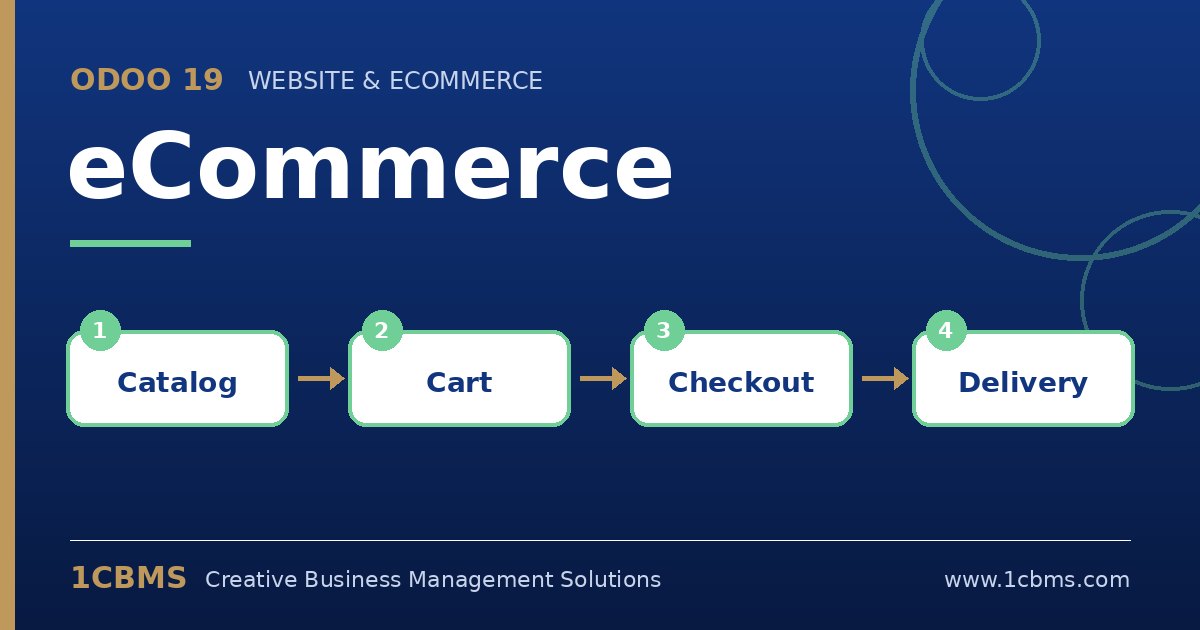
Odoo 19 eCommerce turns your product catalogue into an online shop that shares stock, prices and customers with the rest of your ERP. That removes double entry, and it also means shop owners ask questions that touch inventory and accounting as much as design.
Most asked topics
- Product variants: users ask how to sell sizes and colours, which attributes and variants handle on the product form.
- Stock display: shops want to hide out-of-stock items or show availability, which is controlled by product and shop inventory settings.
- Shipping methods: merchants ask how to charge delivery by city, weight or order value, which delivery methods with rules support.
- Payment providers: owners ask how to accept card or local online payments, configured as payment providers or cash on delivery.
- Abandoned carts: marketers want to recover lost sales, which is possible with automated reminder emails for abandoned carts.
Practical setup tips
- Clean product names, images and descriptions before publishing, because they are the shop.
- Use public categories and filters so customers find products quickly on mobile.
- Place several test orders end to end, including payment and delivery, before launch.
Online sales grow when the shop, warehouse and finance team work from the same data. If you would like help configuring Odoo 19 eCommerce or training your team on it, 1CBMS can set it up around your real processes as part of an Odoo 19 implementation in Egypt, Iraq or the wider region.