
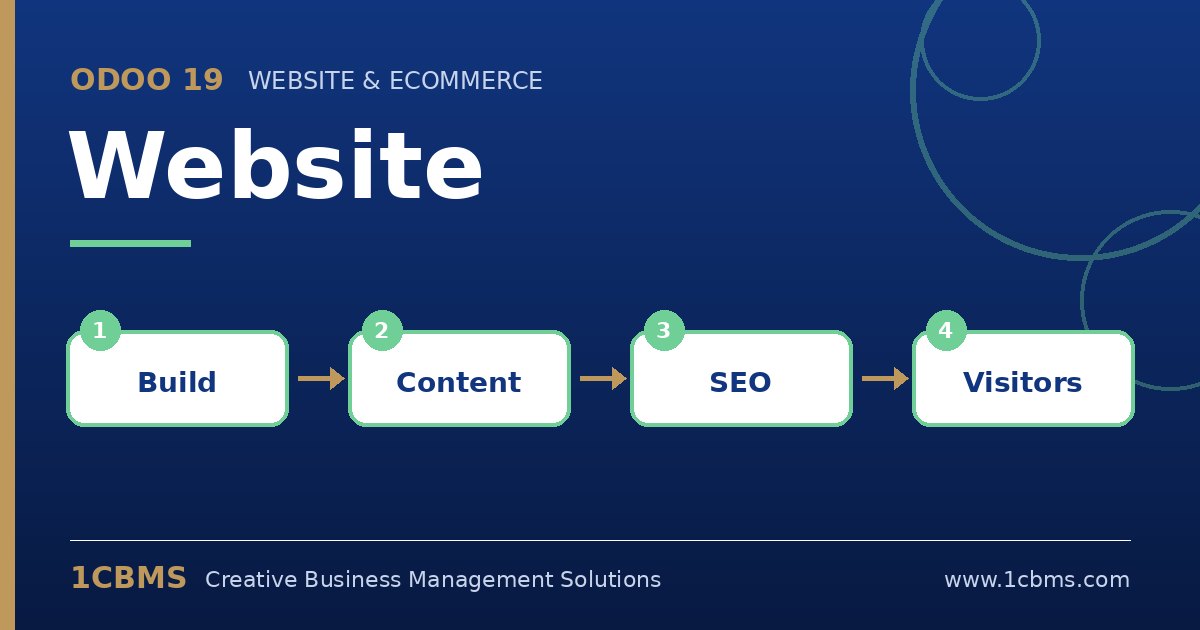
The Odoo 19 Website app lets a business build its site with drag-and-drop blocks and connect it directly to CRM, Sales and other apps. That integration is its main strength, and it shapes many of the questions new site owners ask.
Most asked topics
- Editing pages: users ask how to change layouts, which is done in edit mode by dragging building blocks and adjusting them in the side panel.
- Multiple languages: companies ask how to run the site in Arabic and English, which works by adding languages and translating each page.
- SEO: marketers want titles, descriptions and friendly URLs, which can be set per page with the optimize SEO tool.
- Contact forms: sales teams ask where form submissions go, and the form block can create leads, send emails or create other records.
- Menus and pages: editors ask how to add pages and organise navigation, which is handled from the site menu and the pages list.
Practical setup tips
- Set your theme colours and fonts first so every page stays consistent.
- Plan the page structure and menu before building, keeping key pages within one or two clicks.
- Connect every form to CRM so no enquiry is lost in a mailbox.
A website connected to your ERP turns visitors into leads you can actually follow up. If you would like help configuring the Odoo 19 Website app or training your team on it, 1CBMS can set it up around your real processes as part of an Odoo 19 implementation in Egypt, Iraq or the wider region.