
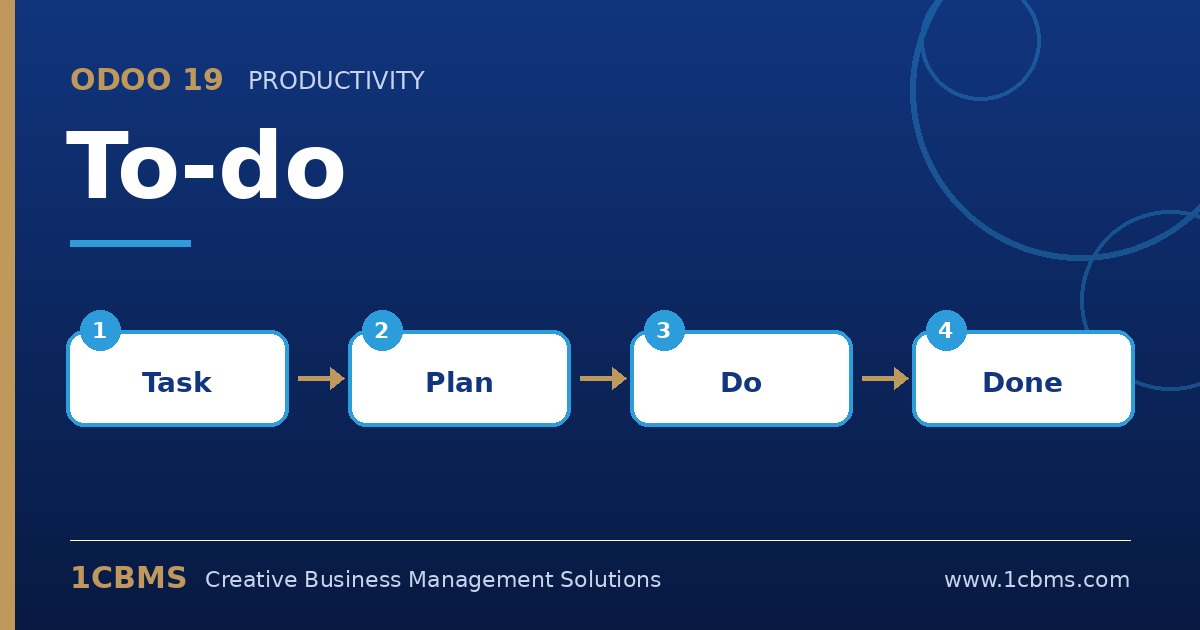
Odoo 19 To-do is a lightweight personal task list built on the same engine as Project. It is ideal for managers and staff who want to track their own follow-ups without creating a formal project. These are the questions users ask most.
The most asked To-do topics
- Personal stages: each user organises to-dos in their own kanban stages, such as Inbox, Today and Done.
- Sharing to-dos: assign a to-do to colleagues so it appears in their list too.
- Converting to project tasks: a to-do can be moved into a project when it becomes part of team work.
- To-dos versus activities: activities are reminders attached to a record, while to-dos are standalone personal tasks.
- Quick capture: create a to-do in a few keystrokes, add tags, a deadline and a checklist in the description.
Practical setup tips
- Encourage users to rename their personal stages to match how they actually work, for example by priority or by day.
- Use tags such as Customer, Finance or Personal to filter quickly in the list view.
- Use the chatter on each to-do to keep notes, attachments and follow-up messages with the task.
- When a to-do needs several people and timesheets, convert it to a project task rather than sharing it widely.
Small habits like daily to-do reviews make teams more reliable. 1CBMS can help you decide how To-do, Project and activities fit together in Odoo 19 and train your staff to use them consistently.