
Odoo 19 Studio (Enterprise) is the no-code tool for adapting Odoo to your business. Many companies discover it during implementation and immediately ask what is possible and what is safe. These are the most common questions.
The most asked Studio topics
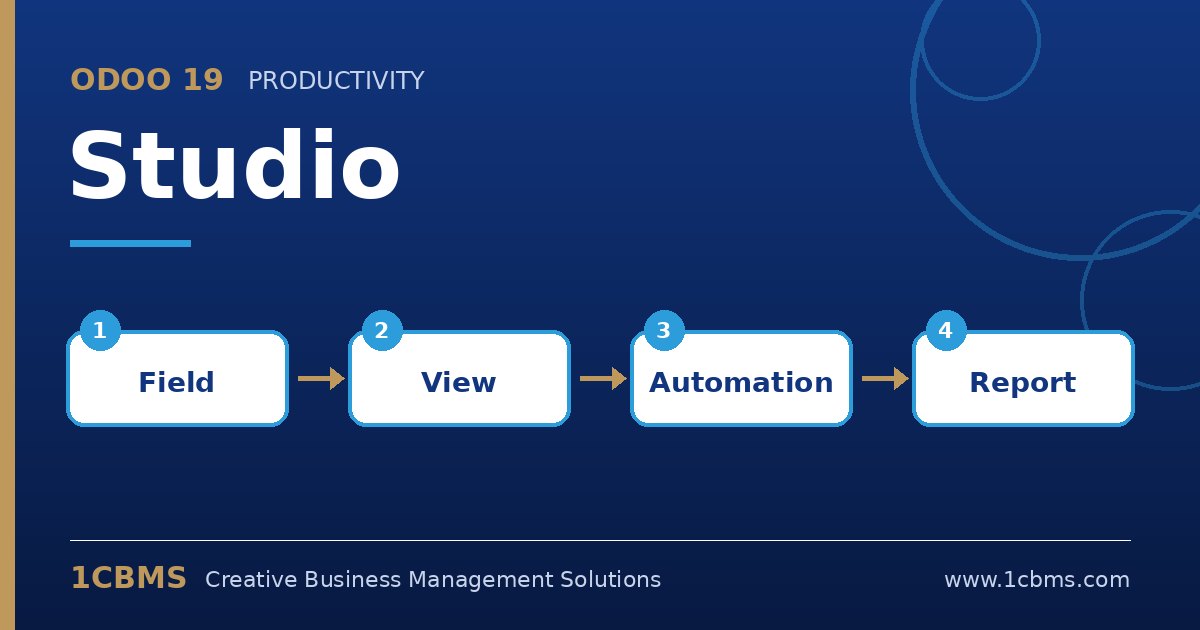
- Custom fields: add text, selection, date, monetary, related or many2one fields to forms and lists by drag and drop.
- Views: rearrange forms, add tabs, change list columns, and create kanban, calendar, pivot or other views.
- Automation rules: trigger actions such as updating a field, sending an email or creating an activity when a record is created or changed.
- Reports: edit PDF report layouts, add new fields to printed documents or create a new report for a model.
- Approval rules: require a specific user or group to approve before a button, such as confirm, can be used.
Practical setup tips
- Test Studio changes in a duplicate or staging database before applying them in production.
- Name custom fields clearly and document why they were added, so future administrators understand them.
- Prefer standard fields and settings when they exist; customisation should fill real gaps, not recreate features.
- Studio customisations are generally carried through upgrades, but complex report edits and automations should be re-tested after each version change.
Used with discipline, Studio delivers fast results without custom modules. 1CBMS can help decide what belongs in Studio and what needs development, and train your power users to maintain their customisations.