
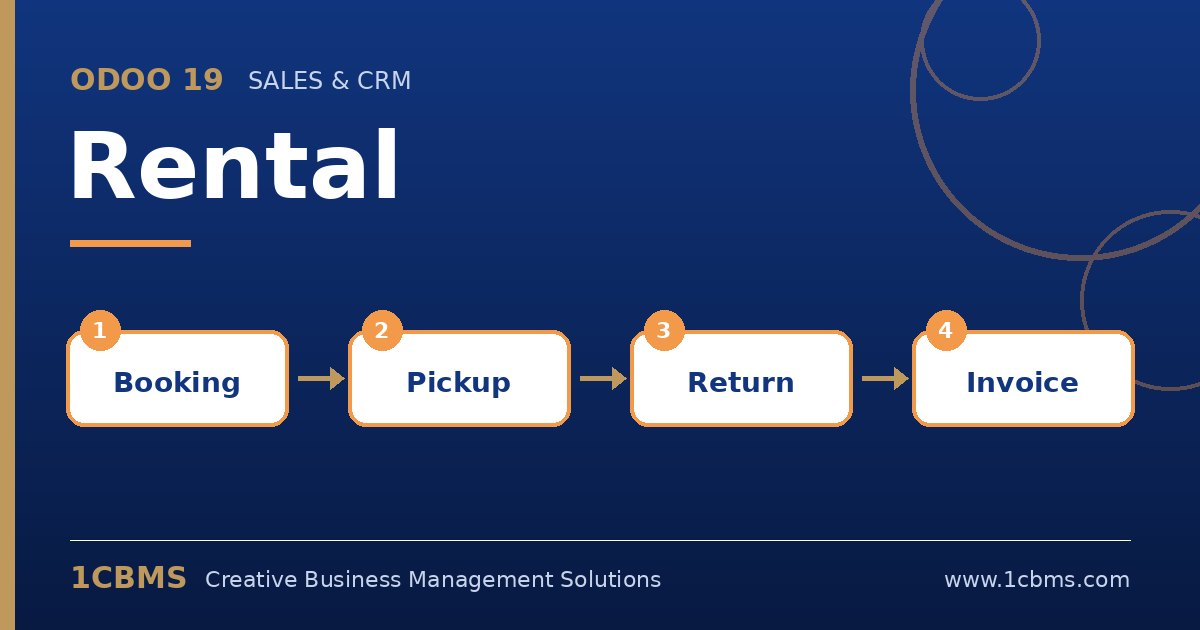
Equipment hire, event furniture, cars and tools all share the same challenge: knowing what is out, when it comes back and what to charge. Odoo 19 Rental (Enterprise) adds rental orders on top of Sales, and new users tend to ask the same practical questions.
Most asked topics
- Rental pricing: users ask how to charge per hour, day or week, which is set with rental periods and prices on each rentable product.
- Late returns: businesses want to charge for delays, which is configured with extra hour and extra day fees on the product.
- Pickup and return: staff ask how to record handover, which is done with pickup and return actions on the rental order.
- Availability: managers want to avoid double booking, which the rental schedule view shows by product and, with stock tracking, by serial number.
- Padding time: operations teams ask how to reserve time for cleaning or inspection between bookings, set as a security or padding time.
Practical setup tips
- Enable stock tracking with serial numbers for high-value items so each unit has its own history.
- Define standard rental periods your customers understand rather than many custom durations.
- Use the schedule view in daily meetings to plan deliveries, pickups and maintenance.
Rental margins depend on high utilisation and few disputes, and both come from accurate records. If you would like help configuring Odoo 19 Rental or training your team on it, 1CBMS can set it up around your real processes as part of an Odoo 19 implementation in Egypt, Iraq or the wider region.