
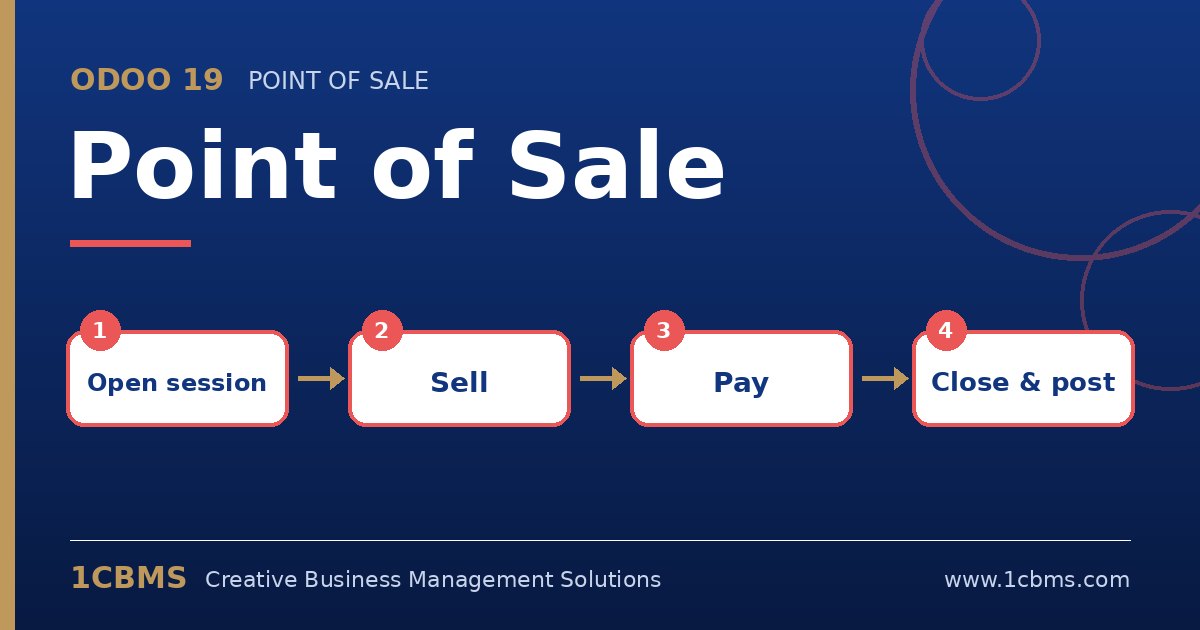
Odoo 19 Point of Sale runs in a browser or on a tablet and connects every sale directly to inventory and accounting. Store managers like how quickly it can be deployed, and their questions usually focus on what happens at the till each day.
Most asked topics
- Opening and closing sessions: managers ask how cash is controlled, which Odoo handles by counting cash at opening and closing and recording any difference.
- Payment methods: users ask how to accept cash, cards and other methods side by side, each configured as a payment method linked to a journal.
- Loyalty and gift cards: retailers want points, coupons and gift cards, which are managed in loyalty programs available to the POS.
- Receipts and invoices: customers ask for a formal invoice, which the cashier can generate from the order for a selected customer.
- Stock impact: managers ask when stock is reduced, which happens through POS orders posted to inventory from the shop's warehouse.
Practical setup tips
- Create a separate POS configuration for each shop or till with its own payment methods.
- Restrict price changes and discounts to managers using the POS permissions and employee login options.
- Train cashiers on the closing routine on day one, because most accounting issues start at session closing.
A smooth checkout depends on simple configuration and disciplined daily routines. If you would like help configuring Odoo 19 Point of Sale or training your team on it, 1CBMS can set it up around your real processes as part of an Odoo 19 implementation in Egypt, Iraq or the wider region.