
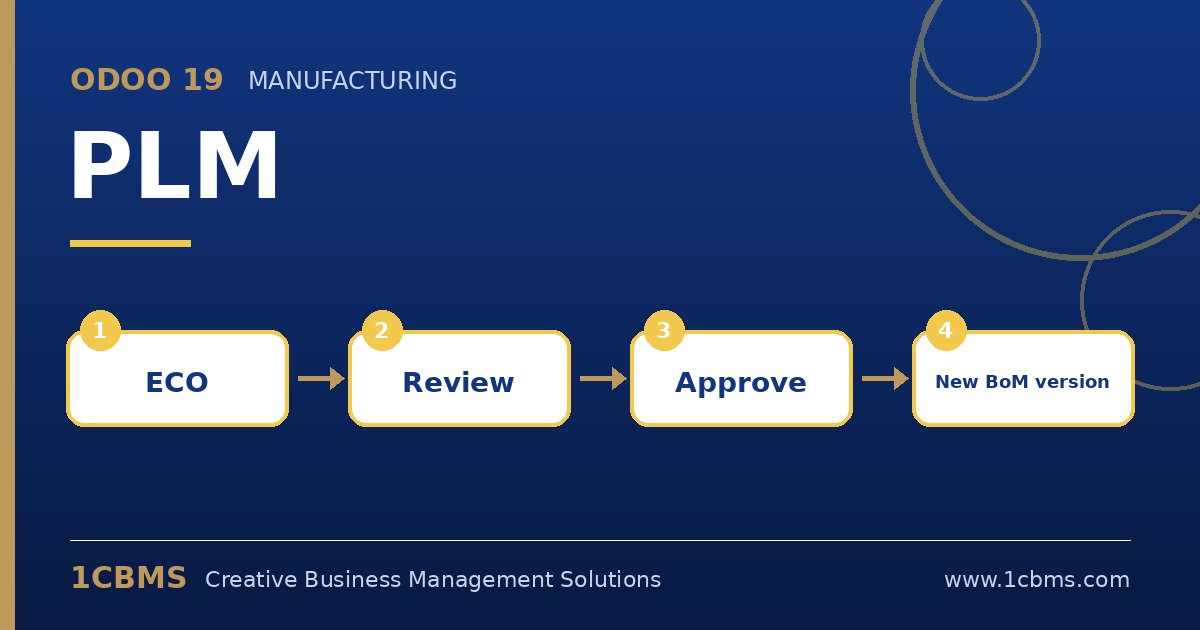
Odoo 19 PLM, an Enterprise app, gives engineering teams a controlled way to change products and bills of materials. Instead of editing a BoM directly, changes go through an engineering change order, or ECO, that is reviewed and approved before it becomes active. These are the topics companies ask about most.
The most asked PLM topics
- Engineering change orders: an ECO describes the change, the affected product or BoM, and moves through stages until it is applied.
- ECO types and stages: each ECO type has its own stages, so a packaging change and a formula change can follow different paths.
- Approvals: stages can require approval from specific users before the ECO moves forward.
- BoM versions: applying an ECO creates a new BoM version and archives the old one, while keeping the history.
- Documents and drawings: files attached to products can be versioned so production always uses the latest approved drawing.
Practical setup tips
- Keep ECO types simple at first, for example new product, BoM change and document change.
- Put the approval on the stage where the real decision is taken, not on every stage, to avoid slowing engineers down.
- Train production planners to check the effective BoM version before releasing manufacturing orders.
PLM brings discipline to product changes without heavy engineering software. If you want this configured around your real processes, the 1CBMS team in Egypt and Iraq can set up PLM stages and approval rules for your company and train your users so the app is used correctly from day one.