
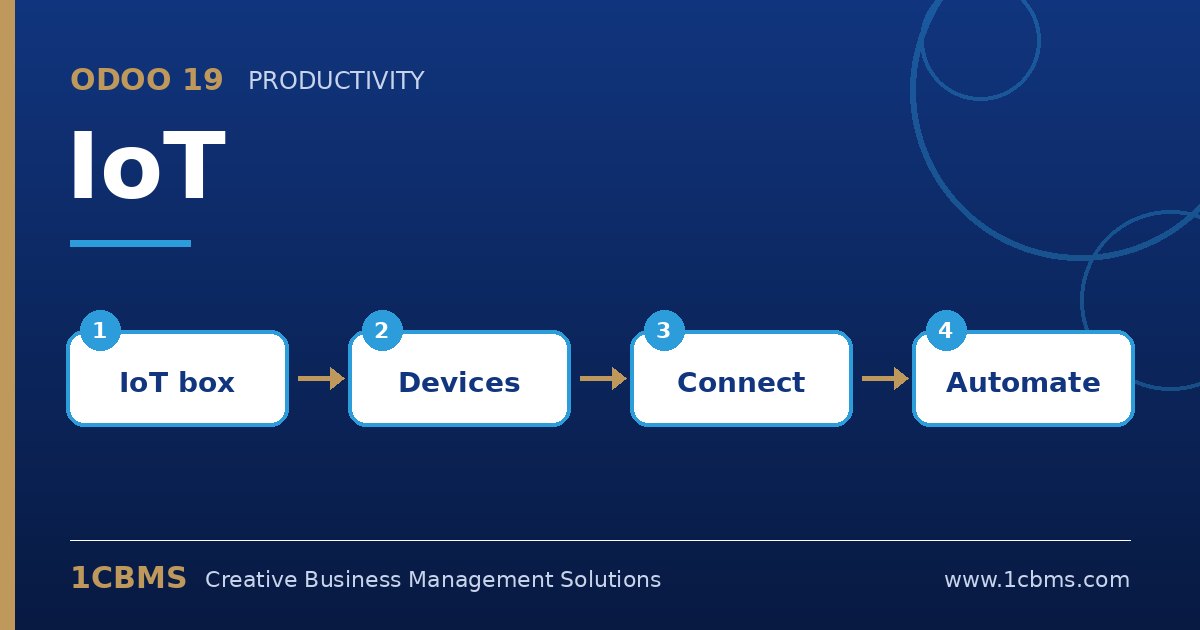
Odoo 19 IoT (Enterprise) connects physical devices such as scales, receipt printers, barcode scanners, cameras and measuring tools to Odoo apps like Point of Sale, Manufacturing and Quality. When companies plan hardware, these are the questions we hear most.
The most asked IoT topics
- IoT Box or virtual IoT: Odoo offers a dedicated IoT Box and a Windows virtual IoT option that runs on a Windows computer.
- Weighing scales: compatible scales connected through IoT send weights directly to the Point of Sale.
- Printers: receipt and label printers can be shared through the IoT system for POS orders and shipping or product labels.
- Manufacturing and quality devices: cameras, footswitches and measurement tools can feed work orders and quality checks.
- Connection and pairing: the IoT system is linked to the database from the IoT app, then devices are detected automatically.
Practical setup tips
- Check device compatibility with the IoT documentation before purchasing, especially scales and payment terminals.
- Keep the IoT system and the computers using it on the same local network, with a stable connection.
- Note that some devices, such as network ePOS receipt printers, can connect to POS directly without IoT, so IoT may only be needed for specific hardware.
- Label each device clearly in Odoo so cashiers and operators pick the right one.
Planning hardware early prevents delays on go-live day. 1CBMS can help select compatible devices, connect them through Odoo 19 IoT and train staff on daily use.