
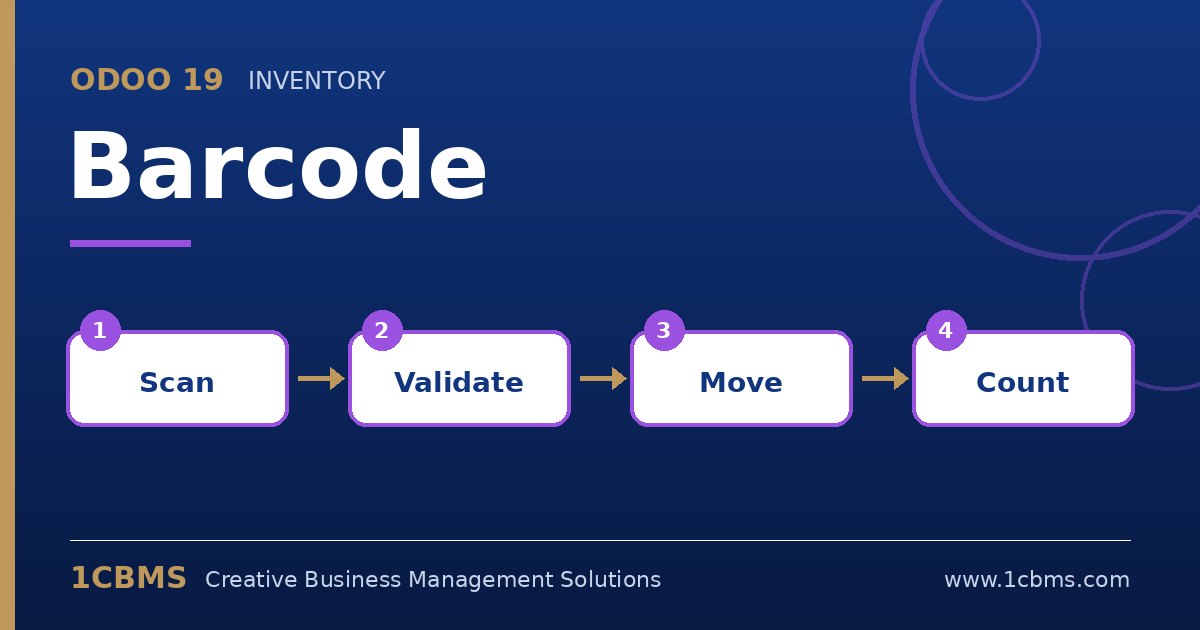
The Odoo 19 Barcode app, available in Enterprise, turns receipts, transfers, deliveries and counts into scan-driven tasks. Operators scan locations, products and packages instead of typing, which reduces errors and speeds up work on the warehouse floor. These are the most frequent questions from teams adopting it.
The most asked Barcode topics
- Scanner hardware: USB and Bluetooth scanners work as keyboards, mobile computers with built-in scanners work in the browser, and phone cameras can be used for light volumes.
- Barcode nomenclature: Odoo supports its default nomenclature and the GS1 standard, which encodes extra data such as quantity or weight.
- Printing labels: product, location and package labels can be printed from Odoo as PDF or for thermal printers.
- Operation types: each operation type defines what operators must scan, such as source location, destination location or product.
- Inventory counts: operators can count stock location by location by scanning, and differences are applied as inventory adjustments.
Practical setup tips
- Assign a barcode to every product and every storage location before going live, otherwise scanning stops at the first missing code.
- Test one scanner model in your real conditions, including dust and lighting, before buying a full fleet.
- Keep the barcode screens simple for operators and train them on handling exceptions such as missing quantities and backorders.
Barcode scanning delivers fast results when master data is clean. If you want this configured around your real processes, the 1CBMS team in Egypt and Iraq can set up the Barcode app and your scanning flows for your company and train your users so the app is used correctly from day one.